
Open an Existing Project
You need a project to use Spatial Integration. A project is a single file with a .si extension.
Spatial Integration reads and writes the project file constantly while you work, so keep it on your own computer rather than a network drive, and only have it open by one person at a time.
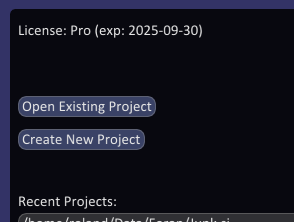
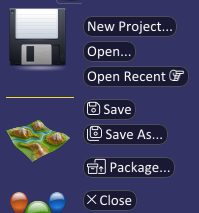
To open a project, click Open Existing Project on the Welcome screen, or Open... in the Project flyout at the left of the window.
A file dialog opens. Browse to the project, select it and click Open, or double click it.
To open a project you have used recently, click it in the Recent Projects list on the Welcome screen, or hover over Open Recent in the Project flyout and choose it from the list.