
Create a New Project
You need a project to use Spatial Integration. A project is a single file with a .si extension.
Spatial Integration reads and writes the project file constantly while you work, so keep it on your own computer rather than a network drive, and only have it open by one person at a time.
To create a project, click Create New Project on the Welcome screen, or New Project... in the Project flyout at the left of the window.
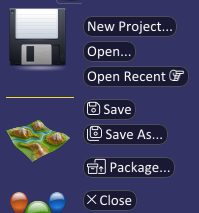
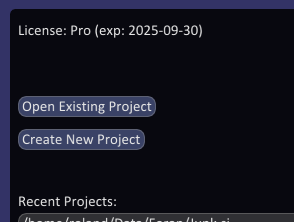
A file dialog opens. Browse to the folder you want, creating a new folder with the dialog's new folder button if you need one, type a name for the project and click Save. The .si extension is added for you. Choosing an existing project file overwrites it.
It is a good idea to keep each project in its own folder, alongside or close to its data.