Drillhole Graph
The Graph visualisation plots a numeric downhole field as a graph running alongside the hole, in the manner of a downhole log.
Note
Requires the Professional edition. In the Community edition, drill graphs in a project can be viewed read-only: shown, hidden and faded, but not created or changed.
Graph is not one of the default visualisations, so you add one or more yourself: right-click the drill layer, choose Add Visualisation, then DrillGraph. Hover over the layer and click the new Graph button to open its editor.
Choosing the Data
At the top of the editor, select the downhole Table and the numeric Attribute to graph. Both interval and point tables are supported. For point tables a Max Gap control sets the largest downhole gap the graph will bridge between neighbouring points; across a larger gap the line breaks rather than joining distant samples.
Graph Style
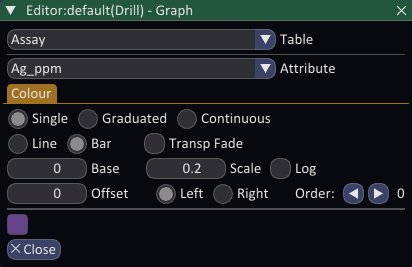
The graph can be drawn as a Line or as a filled Bar log:
- Line traces the value continuously down the hole.
- Bar draws a filled histogram style bar for each sample.
A number of controls shape how the values are drawn:
- Base sets the value drawn against the hole. Values above the base extend outward.
- Scale controls how far the graph extends for a given value. Increase it to exaggerate small variations.
- Log switches the value axis to a logarithmic scale, useful for data spanning several orders of magnitude. In log mode Base is replaced by Min Clip (>0), the value drawn against the hole, which must be greater than zero.
- Offset shifts the whole graph away from the trace, so multiple graphs can be stacked side by side without overlapping.
- Left / Right chooses which side of the hole the graph is drawn on.
- Order arrows set which graph is drawn on top where several overlap, which stops them flickering through each other.
- Transp Fade fades the fill with transparency so overlapping graphs remain readable.
Colour
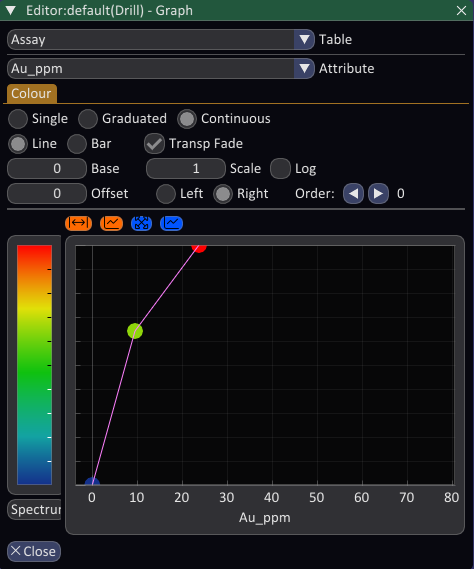
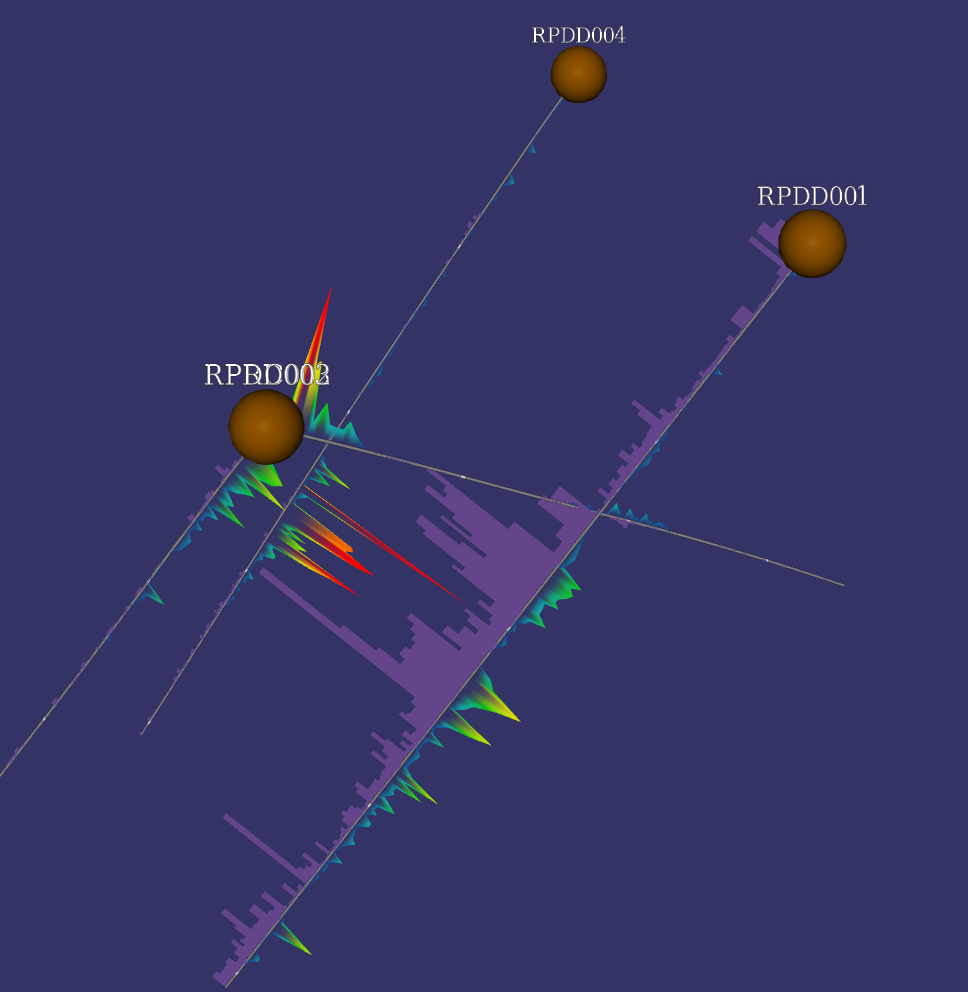
The Colour tab is a symbology class that colours the graph. It can be Single, Graduated or Continuous. Colouring by the graphed value with a Continuous ramp adds a second visual cue on top of the graph shape, so high values stand out both by their extent and their colour.