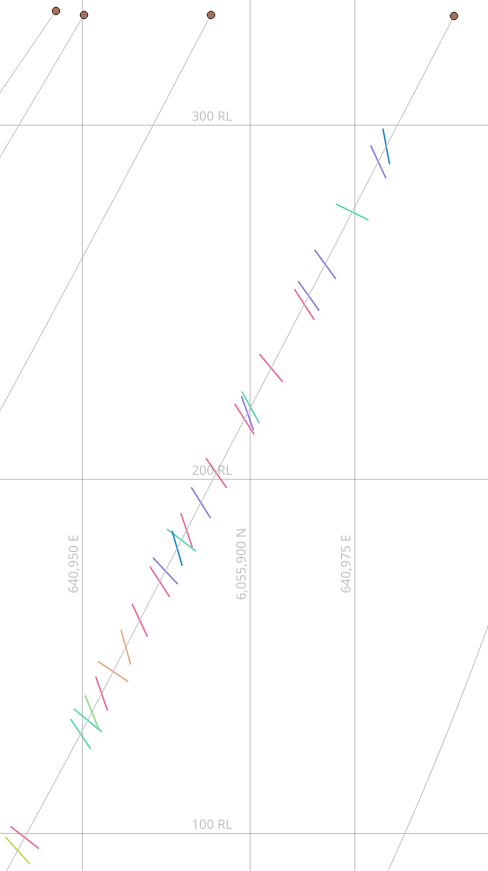
Structural Measurements
Geoscience can convert oriented core alpha and beta angles into dip and dip direction, ready to use in maps and sections.
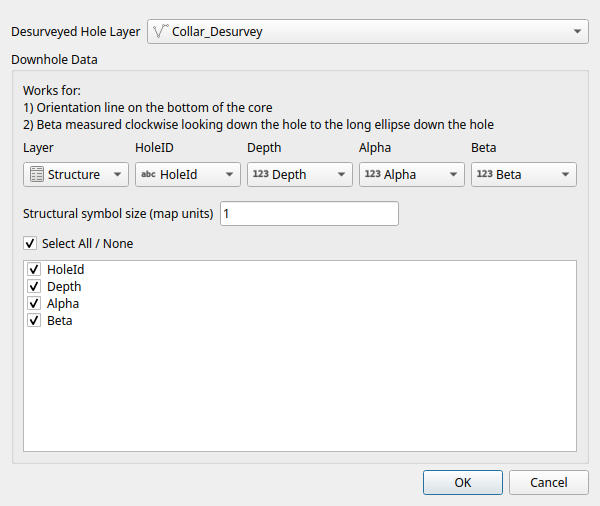
- Choose Geoscience > Drilling > Downhole Structure....
- Select the Desurveyed Hole Layer. You must have desurveyed your holes first.
- Choose the structure data Layer and its HoleID, Depth, Alpha and Beta fields.
- Enter the Structural symbol size, in map units. Each measurement is drawn as a square in the plane of the structure, extending this distance either side of the hole.
- Check the attribute fields to copy to the new layer.
- Click OK.
A new layer named CollarLayerName_Structure is created and loaded into QGIS. Each measurement has its dip and dip direction (in fields named _Dip and _DipDir), its 3D position down the hole and a 3D polygon showing the orientation of the plane. You can include the layer in sections.
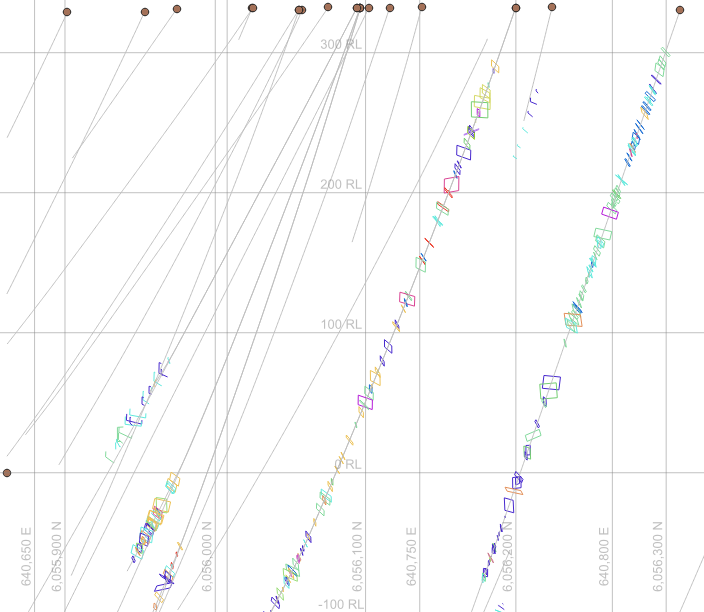
Geoscience assumes the orientation line is on the bottom of the core, and that beta is measured clockwise, looking down the hole, from the orientation line to the end of the ellipse furthest down the hole. Angles must be in degrees.
For those interested, all rotations are applied to the normal of the structural plane using quaternions. Trigonometry is only used at the very end, to convert the final normal back into dip and dip direction.
Apparent Dip on Sections
When you include a structure layer in a section, Geoscience finds the _Dip and _DipDir fields, combines them with the direction of the section line and adds a _Section_Dip field holding the apparent dip of each structure. This field is only in the structure layers inside the section groups. Use it in a style to draw each structure as a line at its apparent dip. Try the RH_section_apparent_dip style file.
Tip
If you already have dip and dip direction, name the fields _Dip and _DipDir and Geoscience will use them when it makes a section.