Help pages are available within the application. Just press F1 or click on the life preserver symbols to go straight to help for the page your viewing.
YouTube
There are tutorials and demonstration videos available on YouTube. Go to the Spatial Integration channel for a listing.
Demonstration Datasets
Several demonstration projects are available. Just download and unzip them, then open the .si file with Spatial Integration.
Eloise
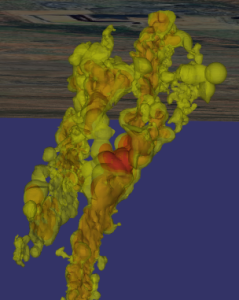
This demonstrates the high quality of transparency in Spatial Integration. You can see through multiple nested ore shells to get a good understanding of Cu distribution and drill hole density. This project is also a great demonstration of using multiple clip objects. Try turning on the second and third clip sections from the Clip fly out menu on the right.
Eloise data is courtesy of the Sustainable Minerals Institute’s Mineral Deposit Atlas.
Also check out the tutorial video using this data.
Cracow
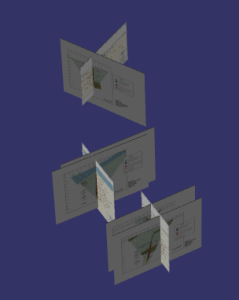
The Cracow project demonstrates placement of section images in the scene. It also has a high resolution air photo draped over lidar to make a very detailed surface.
Cracow data is courtesy of the Sustainable Minerals Institute’s Mineral Deposit Atlas.
Also check out the tutorial video using this data.