
You need a Project to use Spatial Integration. This is a single file with a .si extension.
Project files are single-file SQL databases and are read from and writen to constantly while using Spatial Integration. For this reason, projects should only be used by one person at a time and are designed to be located on you local computer. Future versions may bring multi-user, server based projects.
You can open an existing project from the Welcome screen or from the Project flyout menu at the left of the window. Simply click the Open Existing Project button, or Open … from the flyout.
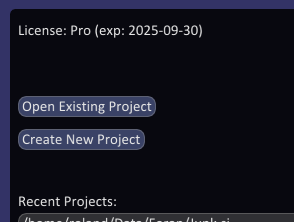
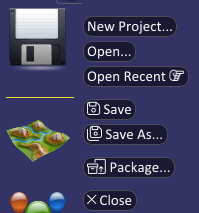
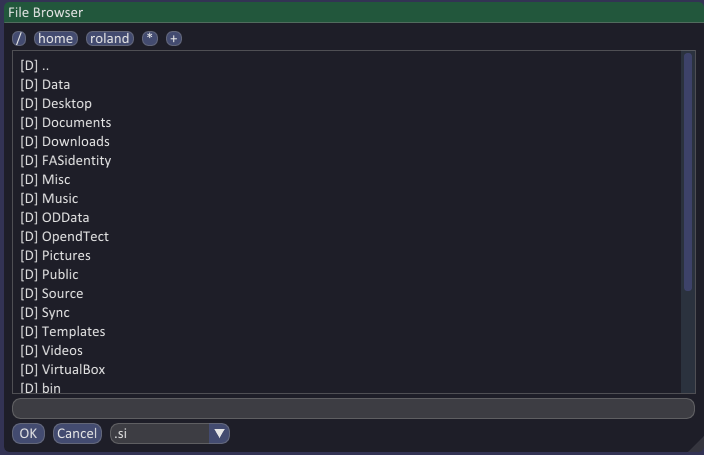
You will be taken to a File Browser where you can navigate directories, then select the existing project and click OK, or double click to choose it immmediately.
The flyout menu also allows you to open a project from your recently used list.